
NAS and DAS storage
Your data.At home.Under control.
A NAS to back up and share files across the whole household, a RAID enclosure for large photo and video libraries, an SSD enclosure to work fast on the move: TERRAMASTER covers storage from 1 to 12 bays.
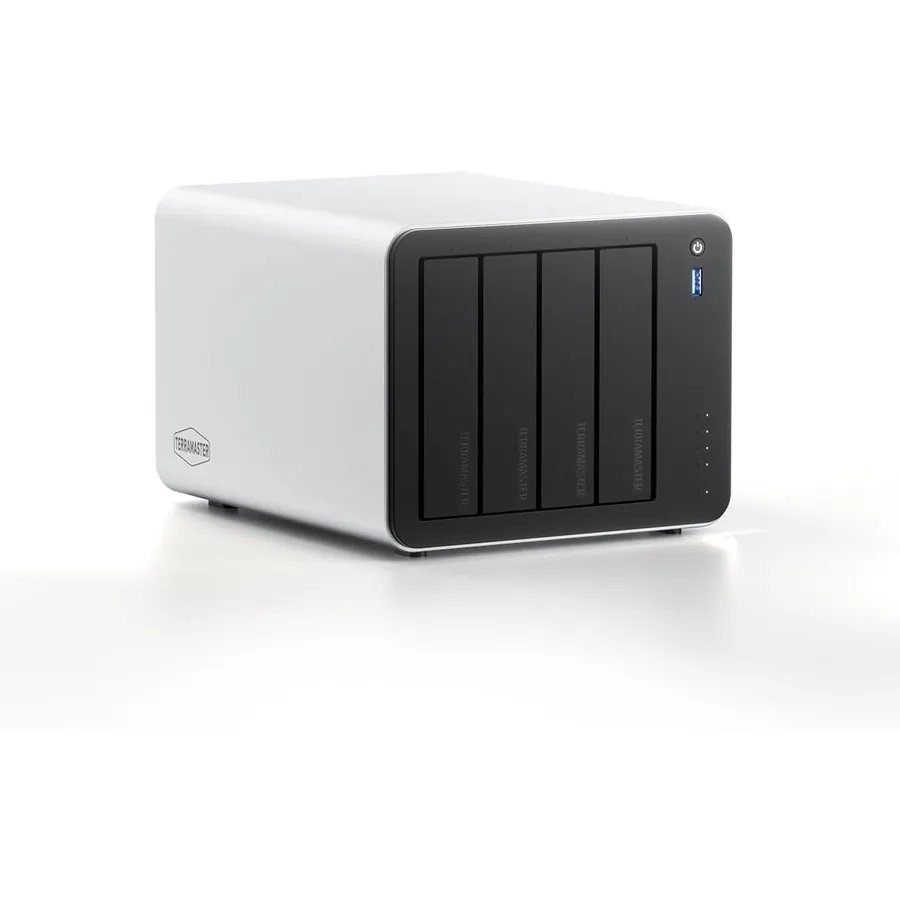
TERRAMASTER range
Choose your storage
Network storage for the whole home or team, USB storage plugged into one computer, or a pocket SSD: start with how you will use it.
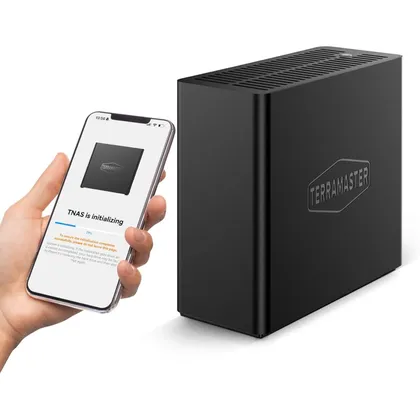
The roomiest NAS
Bays, processor, memory, network: the highest-capacity NAS side by side.
| Model | Specifications | |||
|---|---|---|---|---|
 F8 SSD F8 SSD | Bays8 x M.2 2280 NVMe | ProcessorIntel N95 quad-core | Memory8 GB DDR5 | Network1 x 10GbE |
 F8 SSD Plus F8 SSD Plus | Bays8 x M.2 2280 NVMe | ProcessorCore i3-N305 8-core | Memory16 GB DDR5 | Network1 x 10GbE |
 F6-424 F6-424 | Bays6 x SATA + 2 x M.2 NVMe | ProcessorIntel N95 quad-core | Memory8 GB DDR5 (up to 32 GB) | Network2 x 2.5GbE |
 F6-425 Pro F6-425 Pro | Bays6 x SATA + 3 x M.2 NVMe | ProcessorIntel Core i3-1315U 6-core | Memory8 GB DDR5 | Network2 x 10GbE + 2 x TB4 |
 F4-425 F4-425 | Bays4 x SATA | ProcessorIntel x86 quad-core | Memory4 GB (non-ECC SODIMM) | Network1 x 2.5GbE |
 F4-425 Pro F4-425 Pro | Bays4 x SATA + 3 x M.2 NVMe | ProcessorIntel N305 8-core | Memory8 GB | Network2 x 5GbE |
Three questions before you choose
Network or USB?
A NAS is shared by every device in the home; a DAS enclosure plugs into one computer and keeps things simple.
How many bays?
More bays means more capacity and the option of RAID to protect against a single drive failure.
How fast?
2.5 or 10 GbE ports, USB from 10 to 80 Gbps, NVMe SSDs: the speed should match your heaviest files.
Models to discover
4 x SATA + 3 x M.2 NVMeF4-425 Pro
The F4-425 Pro combines an Intel N305 8-core processor, dual 5GbE and three M.2 NVMe slots in a 4-bay NAS. TOS 7 adds the OpenClaw AI agent, online office editing and fast global search.
Intel N305 8-core 4 x SATA
D4-320
The D4-320 adds four separate drive bays to your computer through a single USB-C connection. It is plug-and-play, hot-swappable and quiet enough for a desk.
USB 3.2 Gen2, 10 Gbps 2 x SATA
F2-425
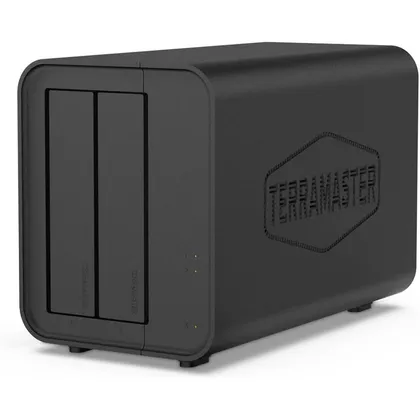
The F2-425 is a quiet 2-bay NAS for families who want one place for photos, videos and backups. Its Intel quad-core processor and 2.5GbE port keep files and 4K streaming responsive.
Intel x86 quad-core 1 x M.2 2280 NVMe
D1 SSD Pro
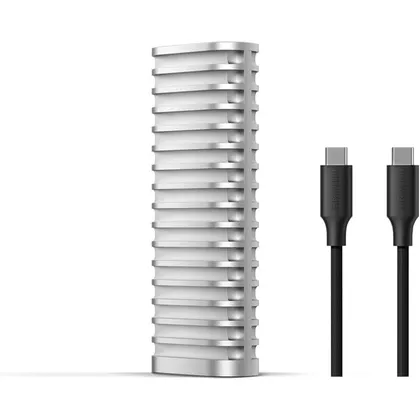
The D1 SSD Pro is an 80 Gbps NVMe enclosure that reads at up to 7061 MB/s for real-time high-resolution editing. Its CNC aluminium body cools the SSD without a fan.
80 Gbps, Thunderbolt 5 compatible